
Step 1
From the log in screen (app.ollyolly.com/login) click on “forgot password”

Step 2
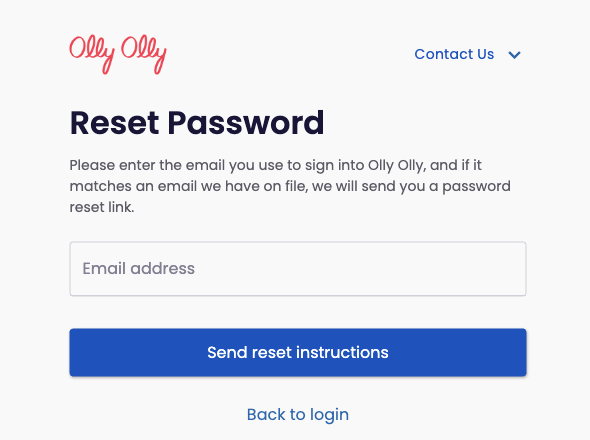
Enter the email address associated with your account and click “Send reset instructions”. An email will be sent for you to reset your password
Step 3
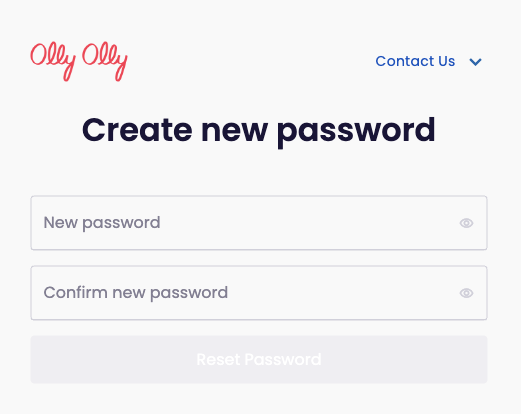
Open the email and click “Reset password” and create your new password.
Please note, your new password must contain:
- At least 8 characters
- At least 1 number
- At least 1 special character
Need Help?
At Olly Olly, we’re here to help your business succeed. If you’re feeling stuck or need a hand, we’re just a call away. Your account manager is ready to walk you through each step so you can get back to doing what you do best—running your business! Schedule a call with your Account Manager now!
